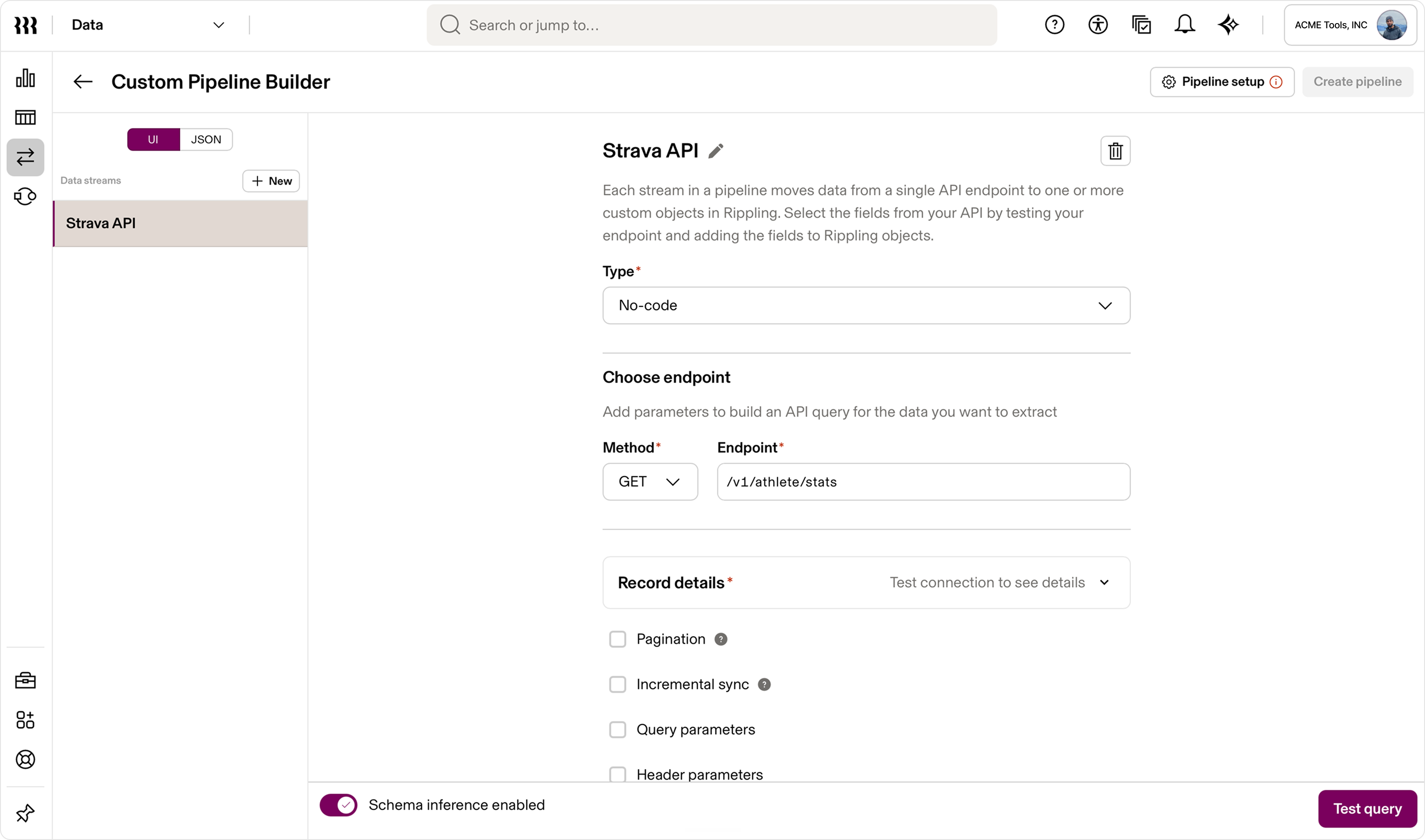
As Product Design Lead for Data Cloud, I led the end-to-end design of Data Connectors from early strategy through launch and designed the Zero Copy for Snowflake experience. My scope included connection setup, authentication, source selection, sync controls, validation, monitoring, error recovery, and the paths that put connected data to work across Rippling.
Preserving context across systems
Moving data is only the first step. Traditional pipelines often reduce business objects to rows and leave teams to reconstruct their relationships, meaning, and permissions. I designed Data Connectors to preserve source-system relationships and connect identity fields to Rippling worker profiles, so imported data arrived with useful organizational context.
That context made external objects easier to discover in Data Catalog, govern as the organization changed, and use in Reports, Dashboards, Transformations, Rippling AI, Workflows, and Custom Apps.
From source to governed object
- Connect. Authenticate a managed or custom connector, or establish a Zero Copy connection to Snowflake.
- Configure. Select the tables and fields to make available, then set the schedule and controls the source requires.
- Operate. Review sync history, understand record- and field-level failures, and trace connected data into downstream uses.
One model for imported data
Data Connectors and Zero Copy support different pipeline needs. Managed and custom connectors import data and source metadata into Rippling. Zero Copy queries existing Snowflake data in place, allowing the warehouse to remain the source of truth. In both paths, external data becomes a governed Data Cloud object with organizational context and role-aware access.
A system designed to scale
The experience needed to be approachable when an admin created a connection and precise enough to operate over time. I created reusable patterns for authentication, validation, source selection, scheduling, status, and failure recovery.